Gather your people
Choose their birth months. Each person gets a flower, even when birthdays share a month.
PERSONALIZED BIRTH FLOWER PRINTS
Turn your family’s birth months into a bouquet with names.
Add up to 16 people, arrange every flower and download your keepsake.
Free to design · Print Pass $6.99 · No subscription
Tap a button to adjust this flower.
Select a person or flower to fine-tune its position.
Choose by name, zoom in and make finer adjustments.
Drag, nudge or rotate this flower. Lock its position when you like it.
Changing the layout, print size or number of people unlocks positions to fit the new design.
Choose their birth months. Each person gets a flower, even when birthdays share a month.
Arrange the stems, find your colors and add a message only your family would know.
Download a print-ready file. Frame it at home, bring it to a print shop or send it as a gift.
START WITH A LITTLE INSPIRATION
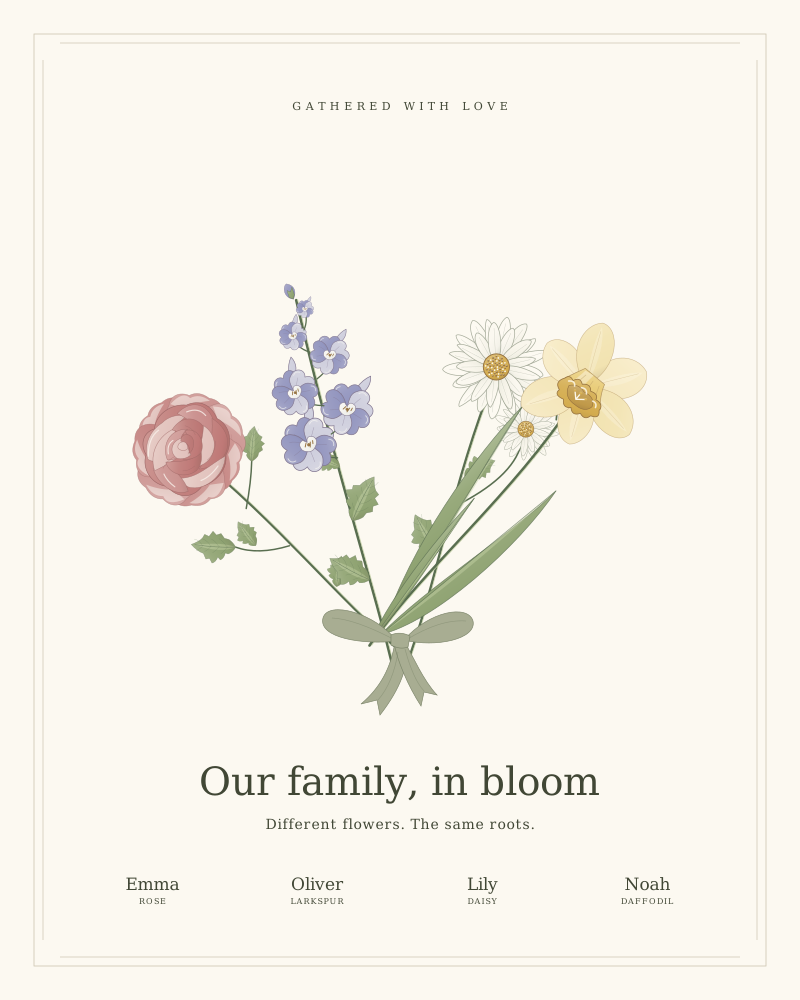
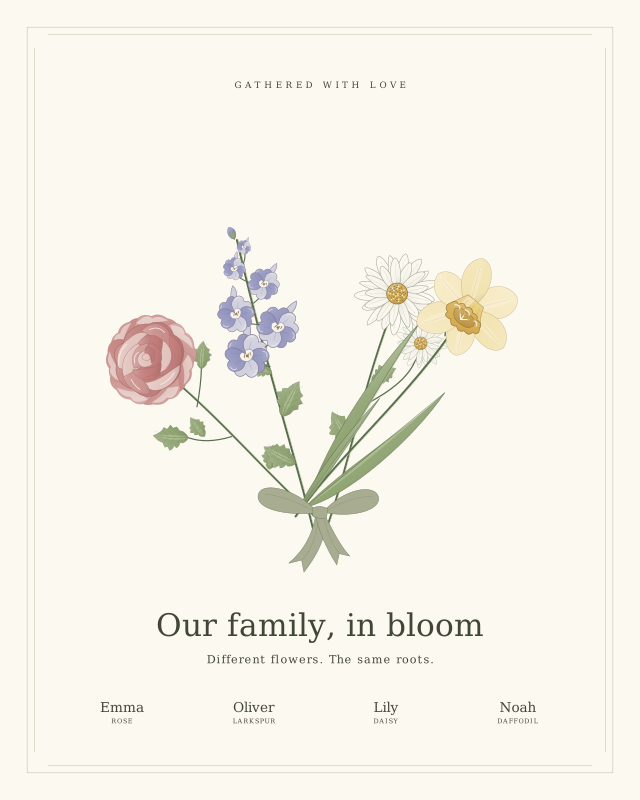 For your family
A gathered family bouquet with a separate stem for every person. A useful starting point for a small family or a housewarming gift.
Use this template ↗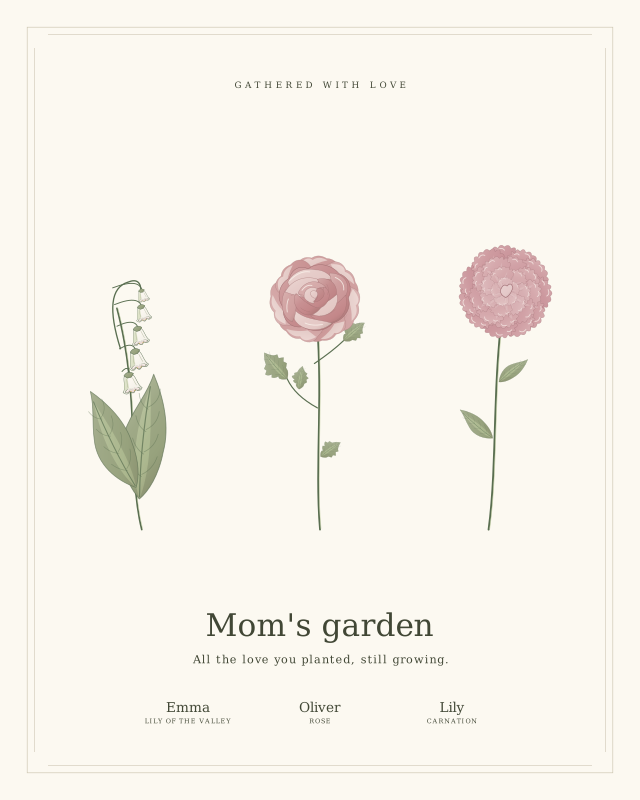 For Mom
A soft rose garden for the children, or for Mom and her children together. Add a short thank-you in your own words.
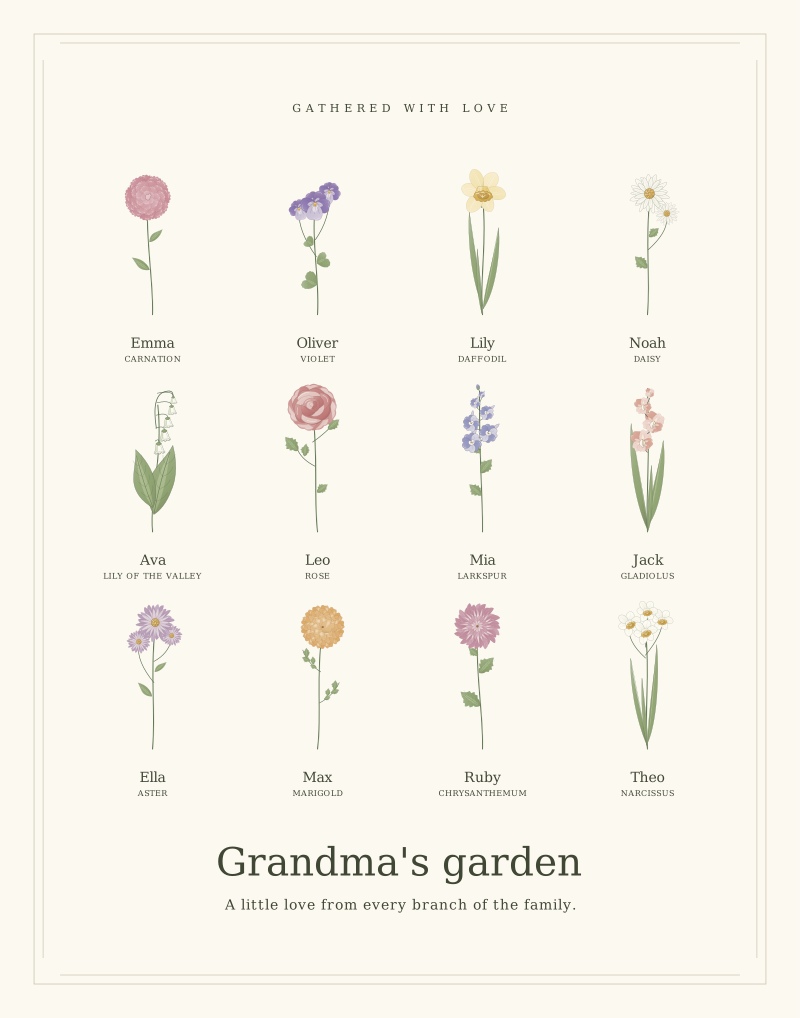
Use this template ↗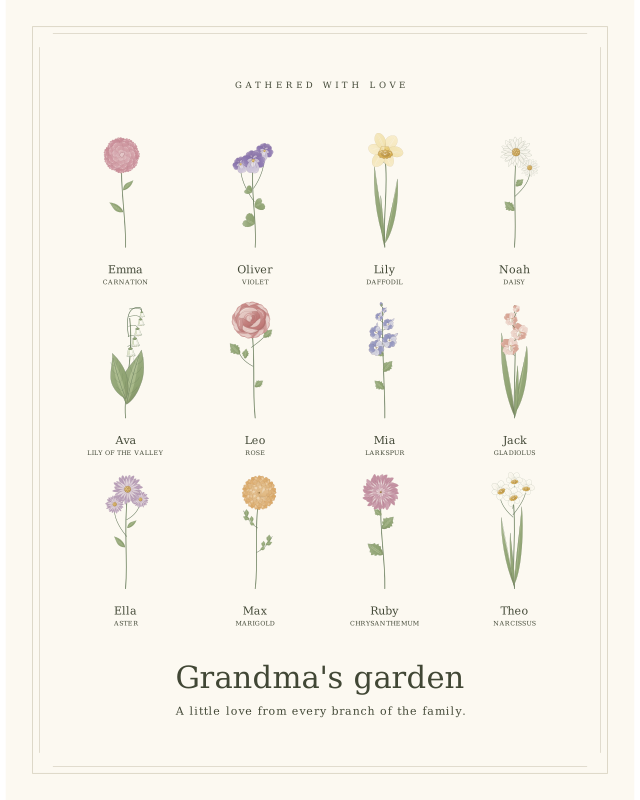 For Grandma
A botanical gallery with individual names beneath the flowers. Designed as a starting point for grandchildren and larger families.
Use this template ↗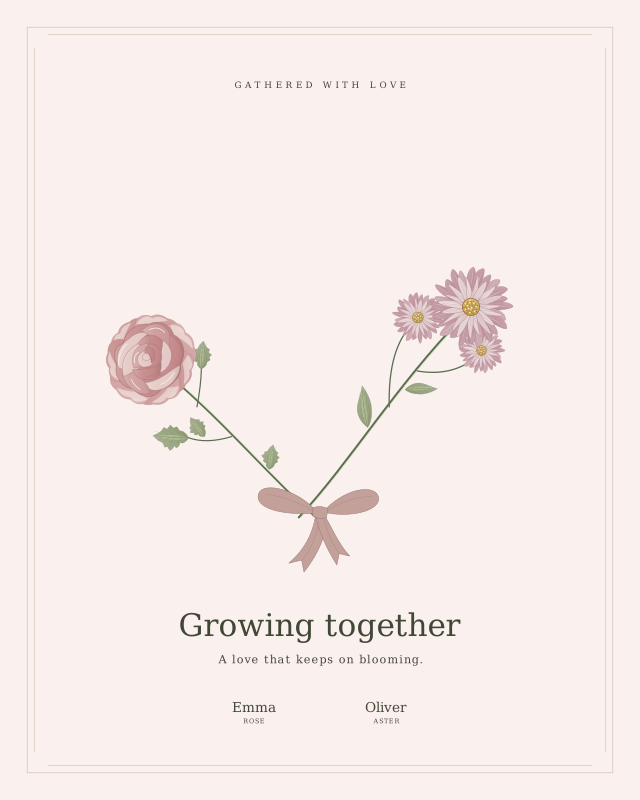 For an anniversary
Two birth flowers and a message for the life you share. Use your birth months, and put an anniversary date in the message if you wish.
Use this template ↗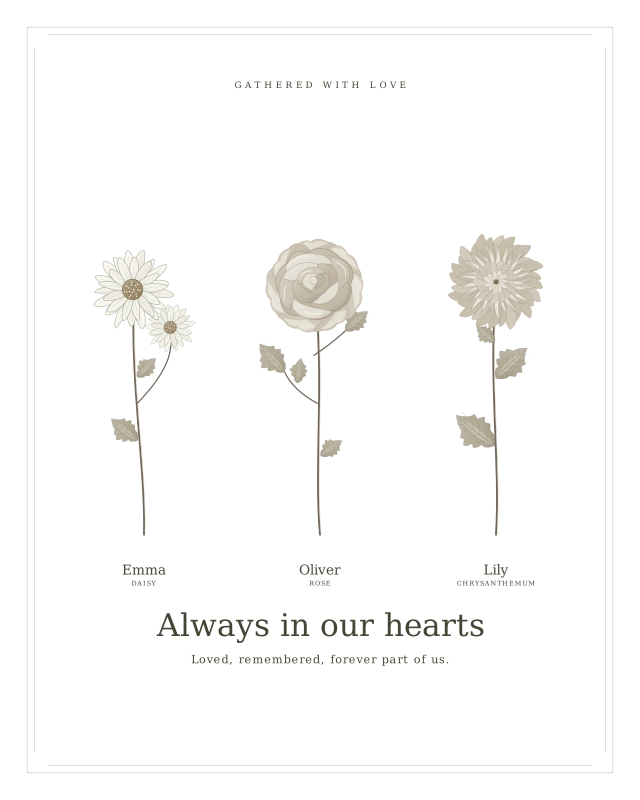 In remembrance
An understated ink palette and a quiet arrangement for remembering someone special. Choose words that feel right for the person receiving it.
Use this template ↗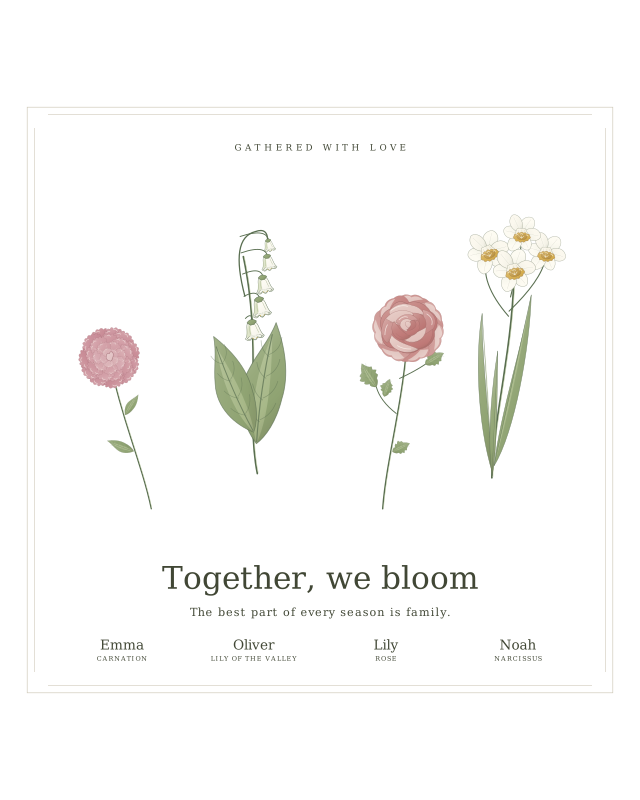 For Christmas
A square wildflower keepsake for a family Christmas gift. Use the same family design for several households, then print locally.
Use this template ↗Free design and preview. One-time Print Pass for high-resolution downloads.
WHAT YOU’RE MAKING
A birth flower bouquet represents each person with a flower associated with their birth month. This maker combines those flowers into a personal illustration you can edit, download and print.
Add a name and month for each person, including people who share a birthday month. Every entry stays separate, so two June birthdays become two roses—not one combined label.
MADE WITH THIS GENERATOR
These example designs use the same flowers and export engine as the editor above.
MAKE THE DETAILS YOURS
Move, rotate and resize each stem. Lock a finished position, then rearrange the other flowers. Undo lets you compare changes.
For 9–16 people, use a two-row garden or botanical gallery. Names can sit below individual flowers, with an 11 × 14 inch option for more space.
The download screen shows each name, birth month and flower beside the artwork. Return to any name to fix a spelling or month.
A LITTLE HELP ALONG THE WAY
See all 12 flowers and understand the alternatives.
Read the guide ↗02 / PRINTCompare files, frame sizes and printer settings.
Read the guide ↗03 / GIVEChoose the people, message and layout for someone you love.
Read the guide ↗GOOD TO KNOW
A birth flower bouquet represents people with flowers associated with their birth months. In this generator, every person gets a separate illustrated stem, which you can arrange into one family keepsake.
Designing, saving your project and downloading a small watermarked preview are free. A $6.99 one-time Print Pass unlocks high-resolution PNG, PDF and SVG for 12 months. No subscription. Printing and framing are separate costs.
Add 1–16 people. Four arrangements are available for up to 8 people. For 9–16 people, choose Family garden or Botanical gallery; each person keeps a separate flower and optional name.
Both people keep their own flower. Two June birthdays, for example, produce two separate rose stems with independent names and editing controls.
It uses one traditional primary flower for each month, from January’s carnation to December’s narcissus. Many months have alternative flowers in other lists. Secondary flowers are not selectable in this version.
Yes. Choose 8 × 10 inches, A4, 10 × 10 inches or 11 × 14 inches. Download PNG for a photo lab, PDF for an exact page size, or SVG for scalable vector artwork. No physical print or frame is shipped.
Yes. Add optional names and a message, choose a palette and layout, and move, rotate or resize individual flowers. Lock a flower to preserve it while rearranging the others. Changing the layout, print size or number of people resets positions to fit the new design.
Use Save project to download an editable project file, then open it from Make it yours. The editor also saves a draft in this browser. The project file is useful when switching devices or keeping a backup.
Only the birth month is needed; names are optional. Ordinary editing stays in your browser. When you request a paid export, the design is sent to our service for rendering and is not saved in the order database. Saved project files contain the names and months you enter.
The editor uses original vector illustrations and one primary flower per birth month. It arranges those illustrations immediately in your browser; it does not generate a new AI image or require generation credits. PNG exports are raster images, SVG keeps the vector shapes, and PDF places a high-resolution image on the selected page size.
Flower mapping reference: The Old Farmer’s Almanac birth month flower guide. Traditions vary; this studio follows the primary flowers in that guide. Reference checked . Our illustrations are original.
Check the month-to-flower chart or compare download formats.